Using Obsidian For Everything
Obsidian has been a huge productivity boost in my workflow.
I’ve used obsidian for some time now, perhaps two or so years. I’ve switched between multiple applications to accommodate my note taking needs during this time, but nothing even came close to the flexibility of Obsidian.
Okay I lied a bit. Org-mode is fantastic, it just lacks some of the features I want out of the box and my ELisp skills are non existent.
Calling Obsidian a note-taking app while true, doesn’t capture the scope of things I truly use it for. The app is incredibly flexible. A lot of folks use it as a second brain of sorts, where plain text supplements their memory, others use it for notes, Tris@NoBoilerplate uses it for making his videos with the [Advanced Slides] (https://github.com/MSzturc/obsidian-advanced-slides) plugin.
I’ve setup obsidian to do a few things for me and each time I need additional functionality, it’s trivial to extend via plugins (similar to other systems like Org-mode).
What I use Obsidian for
The more I use obsidian, the more I’ve extended it’s feature set to fit exactly what I need. I have two primary Obsidian workspaces, one for personal use and the other for managing work related tasks.
In my personal setup
- Daily note system with templater creates a daily note following a defined template. This feature exists out-of-the-box in Obsidian but templater adds some functionality on top of Obsidian’s base templates
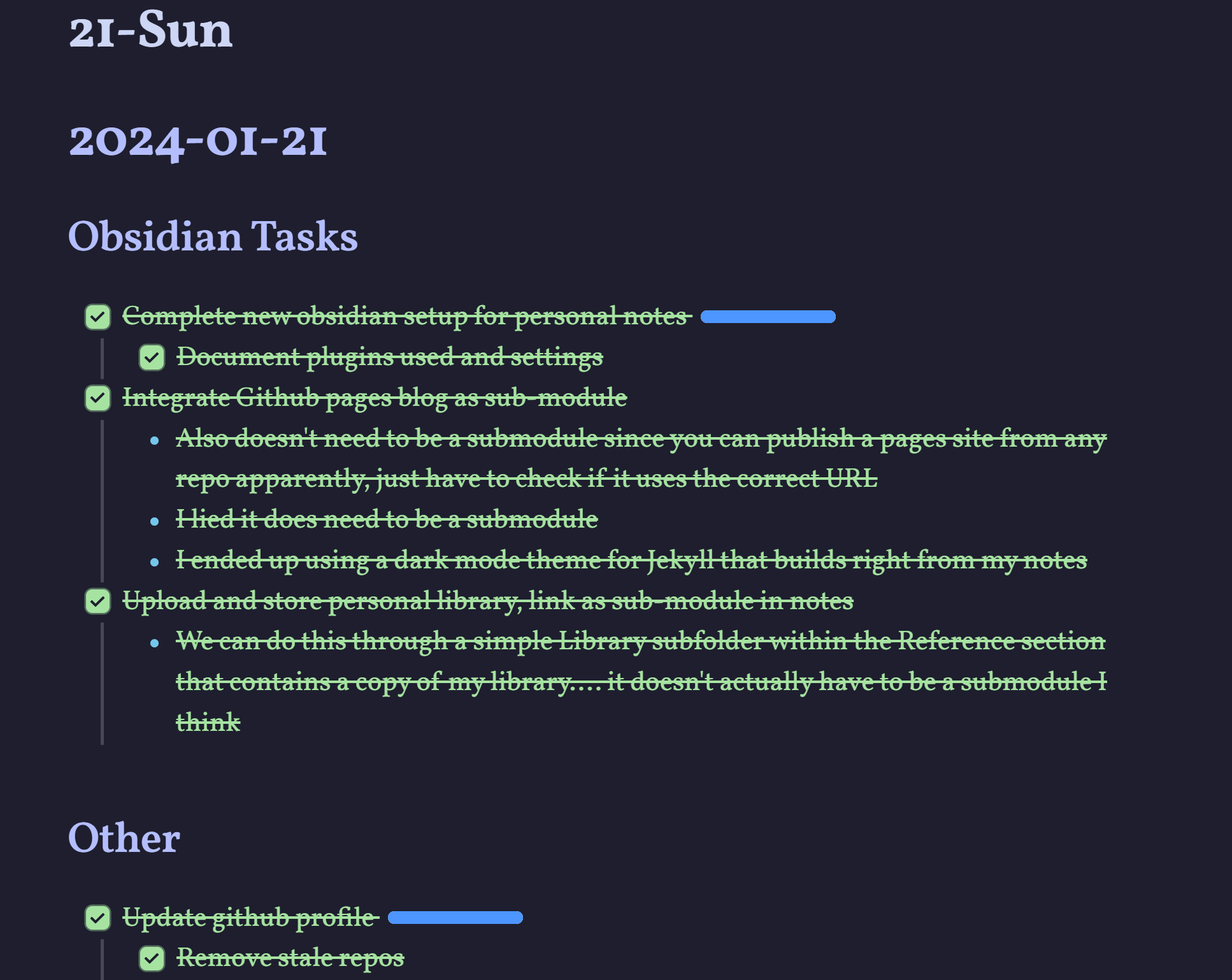
- Obsidian also manages my “blog” posts for me. I simply write my notes in markdown (like this one), and add that note to the blog folder of my Vault. I use the Obsidian git plugin to sync my vault as a repository, and then GitHub pages to publish the blog.
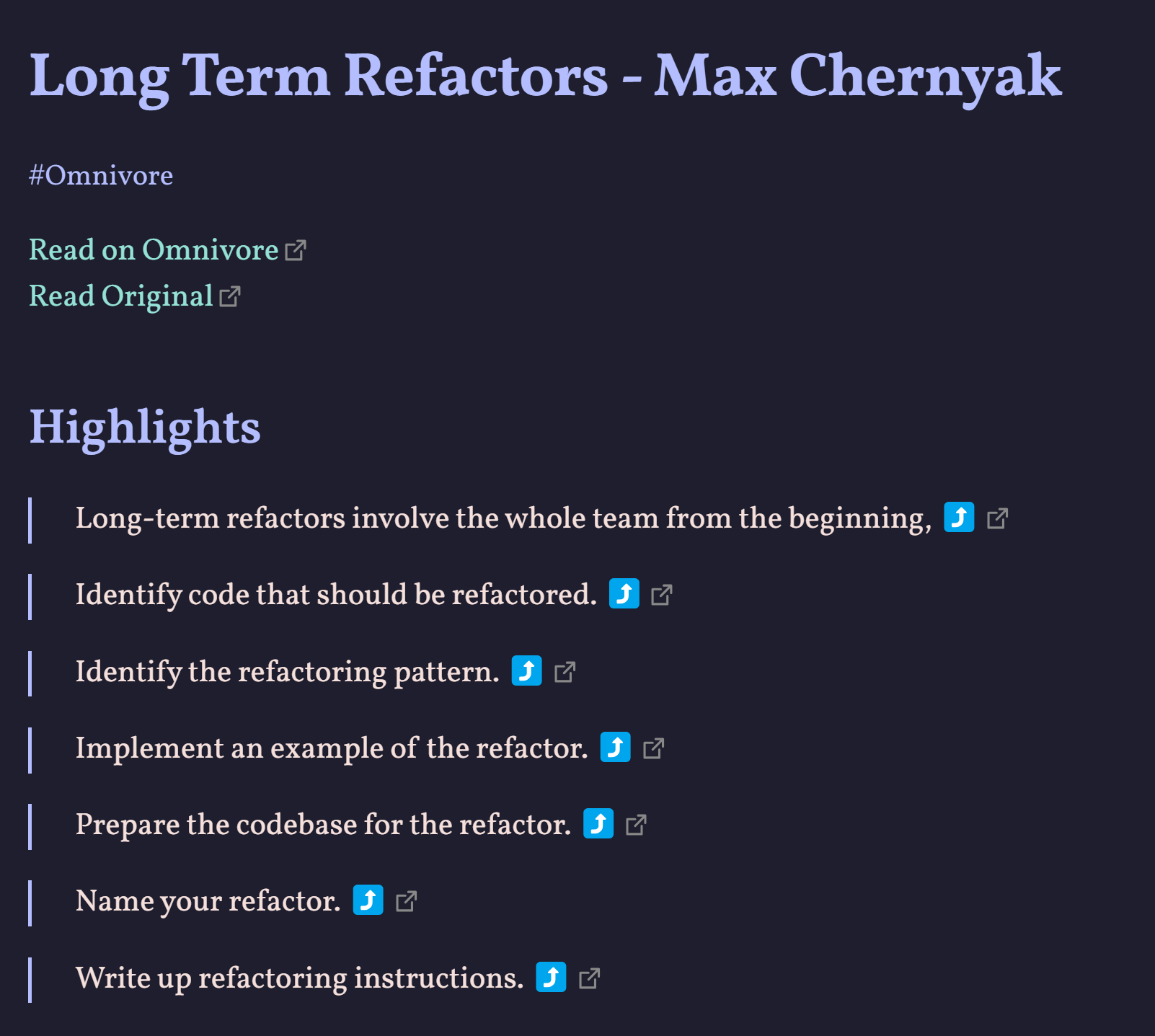
- Omnivore is an application I’ve discovered recently for saving articles and text. You can use it to store things you’d like to remember from the web or to save articles you’d like to read at a later time. The best part is it integrates directly with Obsidian.
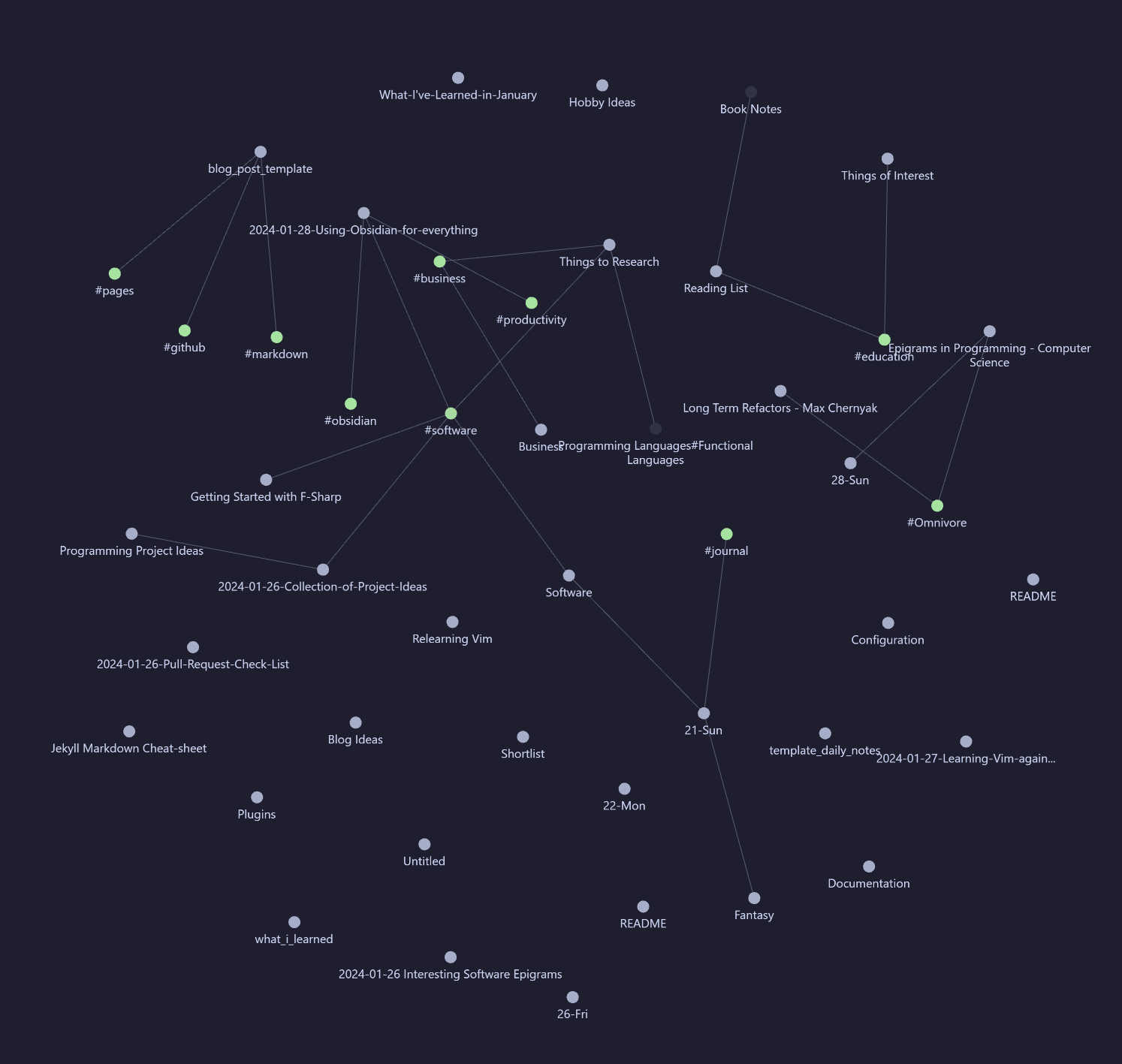
- The graph viewer in Obsidian is something I rarely use but when I do, I find it very useful. Especially for reminding myself of association between different items. This is all managed through my use of tags and backlinks between notes
- Long Term notes are where obsidian shines for me. Everything I save, type or otherwise put in Obsidian is preserved in a format that is easily searchable. If I can’t remember something I can search using related words and find my notes on that topic. Most platforms offer this, so this isn’t unique to Obsidian
Obsidian at work
- Obsidian integrates directly with Jira tickets (although the plugin is a bit buggy). I can track my work and progress on a ticket directly from Obsidian. When tasks are complicated having a searchable note platform that I can use to find all information related to that ticket is incredibly useful
- Obsidian also has a plugin for publishing markdown documents directly to Confluence, which is useful for sharing my personal notes to my company’s Internal Knowledge store
Personalizing Obsidian to work for me
As with any tool, the first step is customizing the application to work for you. The first time I downloaded obsidian I made the mistake of downloading too many plugins, and got lost by the wealth of integrated features.
Following those attempts I took a more pragmatic approach to customizing my Obsidian client. That is, only downloading plugins if I need the functionality. Novel idea right?
I’ve also configured the look and style to be easier on my eyes and support the type of markdown editing I do more easily. In no particular order, here are the customizations I use with Obsidian
- Vim keybindings so I can edit markdown using vim motions
- Cappucine theme for a beautiful easy on the eyes style
- Jetbrains Mono font for code blocks
- Atkinson Hyperlegible font for the easiest reading experience I’ve ever had
- Source-mode as my default editing environment, mimicking the behavior of Org
As for plugins
-
Git for Obsidian Let’s you automatically back-up your vault to a git repository. This is by far the most useful plugin for me
-
Templater Create complex templates for different types of notes. Supports variables and other features
-
Omnivore Save any online text for local consumption or for later reference.
-
Dataview Execute SQL(ish?) statements against your notes. This one is awesome, and I use it frequently for listing notes edited on a certain day or containing a certain tag.
-
Task Progress Bar QoL plugin that adds a little progress bar on top of task lists. I think it just looks pretty.
Saying thank you
All of the applications, and plugins I’ve mentioned are free to use and Open-source. Some of the authors accept donations and I’ve attached these links below if you find any of the above to be particularly useful.
-
Obsidian Premium options support the developers
-
Git for Obsidian Developer takes donations
-
Templater Developer takes donations
-
Omnivore Developer takes donations
-
Dataview Developer takes donations
-
Task Progress Bar Developer takes donations